
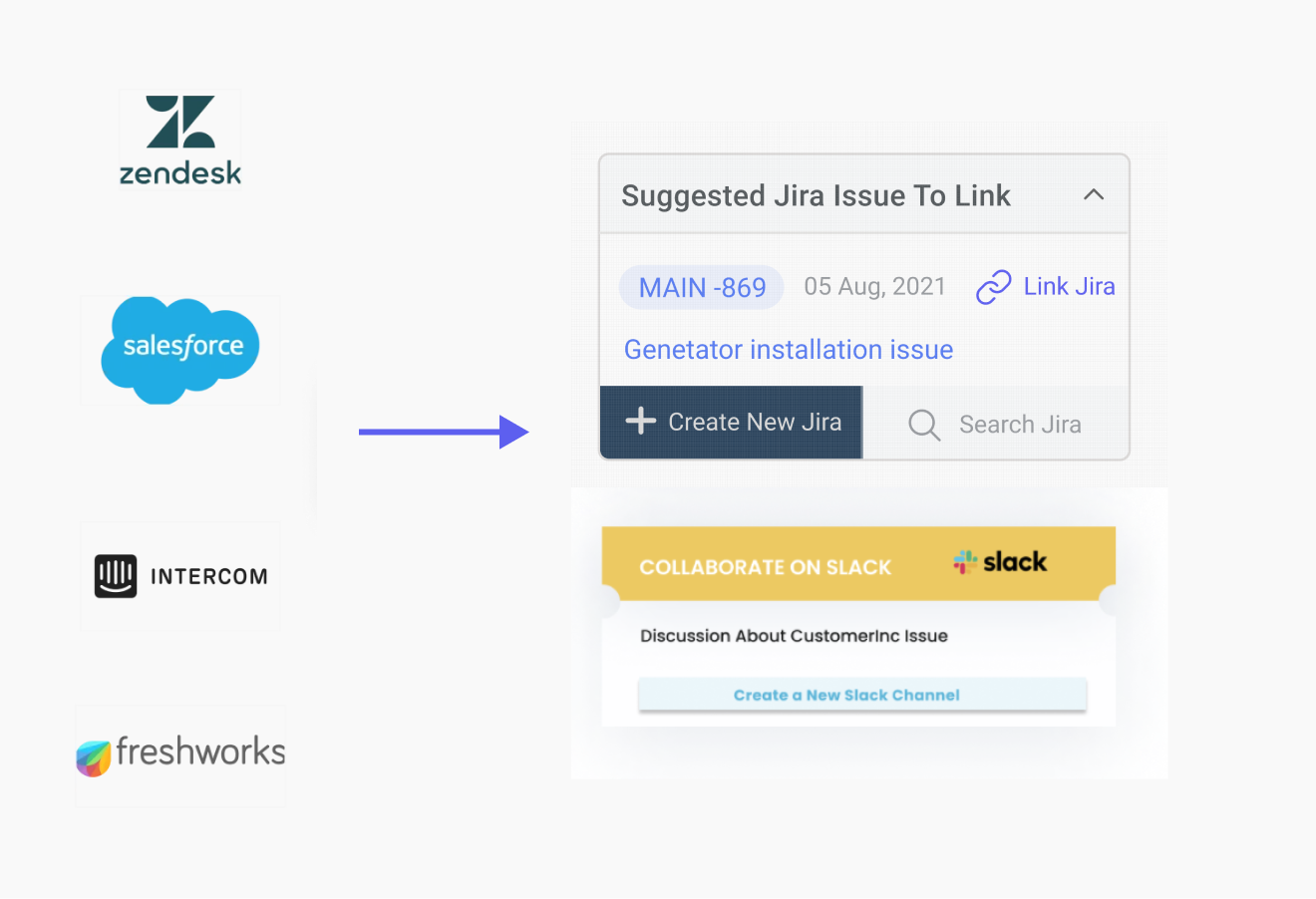
Zendesk + Jira Integration in 2026: Setup, Sync, and Best Tools
If your support team is on Zendesk and your engineers live in Jira, you already know the drill: a customer reports a bug, an agent files a ticket, the engineering team needs that ticket as a Jira issue, and somewhere along the way the customer asks for an update that nobody can give without a Slack hunt.
A working Zendesk-Jira integration removes that hunt. The 2026 setup is faster than it was even a year ago — Zendesk’s native Jira Cloud app installs in under 10 minutes, and the harder problems (custom field mapping, AI duplicate-ticket clustering, multi-project sync) now have purpose-built tools rather than the Zapier glue most teams used in 2023.
This guide walks through the four things teams actually get stuck on:
What syncs natively, and what you have to map yourself
The 2026 setup, step by step
When to stay on the native app vs. layer in a third-party tool
The auto-link patterns that AI-layer tools (like IrisAgent) unlock
Why integrate Zendesk and Jira
Three reasons, in order of how often customers cite them:
Engineering visibility into customer impact.
When 12 tickets all reference the same login failure, engineering needs to see “12 tickets” attached to one Jira issue, not 12 separate “is anyone working on this?” Slack pings.
Bug-to-resolution traceability.
Support sees the moment Jira flips a linked issue to Done and can close all attached Zendesk tickets in a single sweep — no manual reconciliation.
Cleaner SLA tracking.
Tickets blocked on engineering are flagged automatically, so SLA timers can pause on engineering-blocked tickets without an agent remembering to apply a tag.
If your team only does one or two cross-team handoffs a week, the native app is overkill. The integration starts paying for itself somewhere around 20+ engineering-blocked tickets per week.
What gets synced (and what doesn’t)
This is the table teams wish they’d seen before they bought a third-party connector for $400/month they didn’t need.
Field | Native Zendesk Jira Cloud app | Notes |
Ticket ↔ issue link (bidirectional) | Yes | Created via the Zendesk sidebar or Jira issue panel |
Status sync | Configurable | Direction is per-status, not global |
Comments | Yes | Public Zendesk comments → Jira comments. Internal notes stay internal. |
Attachments | One-way | Zendesk → Jira only. Reverse sync requires a third-party tool. |
Custom fields | Manual mapping | Field type must match (single-select ↔ single-select) |
Ticket priority | No native sync | You set Jira priority on issue creation; later changes don’t propagate |
Sentiment scores | No | Available only via an AI layer (e.g., IrisAgent) |
AI tags / categories | No | Same — needs an AI layer |
Multi-project routing rules | No | Native app sends to one project per trigger; complex routing needs Unito/Exalate/IrisAgent |
The honest summary: native syncs the four things support and engineering both touch (link, status, comments, attachments). Anything that involves AI-derived metadata or multi-project logic, you’ll need to layer.
Setup walkthrough: native Zendesk Jira Cloud app, 2026 UI
This is the 2026 path through Zendesk Marketplace and Atlassian’s API token settings. Both UIs were updated in late 2024 — older guides on the web still show the 2022 screens.
Step 1: Install Jira Cloud from the Zendesk Marketplace
In Zendesk Admin Center → Apps and integrations → Apps → Zendesk Support apps, search “Jira Cloud” and install the official Zendesk-published version. (There’s a third-party “Jira” listing too — make sure you pick the one published by Zendesk, not the legacy Server build.)

The install asks for two things: your Atlassian site URL (yourcompany.atlassian.net) and an API token.
Step 2: Generate the Jira API token
In Atlassian → Account Settings → Security → API tokens, click “Create API token with scopes” and grant: read:jira-work, write:jira-work, manage:jira-project. Atlassian moved this page in 2024 — older guides point to a “Create classic API token” link that still works but produces tokens with broader-than-needed access.
Copy the token immediately. Atlassian shows it exactly once.

Step 3: Map projects and configure sync rules
Back in Zendesk, the Jira Cloud app’s settings let you choose which Jira projects are exposed and which Zendesk groups can create issues. The defaults are sensible — every group sees every project — but most teams narrow it: T1 support sees only the customer-facing projects, infra/security only their own.

Step 4: Add a Trigger to auto-create Jira issues for tagged tickets
In Zendesk → Admin Center → Objects and rules → Triggers, create a Trigger with a condition like ticket.type = bug AND ticket.tags contains needs-engineering and an action Create Jira Issue pointing at the right project key.

A first-time setup, including testing, runs about half a day for a single-project deployment. Multi-project setups with custom-field mapping take a full day or two depending on field count.
Native app vs. third-party tools: 2026 comparison
The five options most teams evaluate:
Tool | Pricing (2026) | Sync direction | AI auto-link | Multi-project | Setup time |
Zendesk Jira Cloud (native) | Free with Zendesk | Bidirectional, configurable | No | No (1:1 per Trigger) | <1 day |
Unito | From $29/user/mo | Bidirectional, granular | No | Yes | 2–4 hours |
Exalate | From $24/user/mo | Bidirectional, scriptable | No | Yes | 1–3 days (advanced) |
Workato / | From ~$10K/yr | Bidirectional, recipe-based | No | Yes | 1–2 weeks |
IrisAgent | Custom | Bidirectional + AI layer | Yes (duplicate detection, sentiment, severity) | Yes | <1 day |
When the native app is enough: one Zendesk instance, one or two Jira projects, no requirement to sync custom fields beyond text or single-select, no need for AI-driven duplicate detection. ~70% of teams we see fit this profile.
When you need third-party: multi-team Zendesk, Jira projects spread across business units, custom-field mapping with complex types (dates, multi-select with synced options), or the Atlassian Rovo agent context-passing requirements introduced in 2025.
When you need an AI layer: when the same root-cause bug generates 50 tickets in a day and you need them all linked to one Jira issue without an agent doing it by hand. That pattern shows up in incidents, breach windows, and major release rollbacks — and it’s the single biggest support-team time sink the native app does not solve.
Auto-linking duplicate tickets to a single Jira issue
This is the workflow that saved one IrisAgent customer ⚠ ~12 hours of agent triage during a payment-provider outage in March 2026.
The pattern: a single root cause (“Stripe charges failing for EU cards”) generates a flood of tickets phrased differently — “my card was declined,” “checkout error 503,” “subscription renewal didn’t go through.” A native Trigger sees them as 50+ unrelated bug reports and creates 50+ Jira issues, which engineering ignores because the noise is unbearable.
With AI-driven duplicate clustering:
The first ticket comes in, gets tagged
payments-failure, and creates a Jira issue.Tickets 2 through 50+ are detected as semantic duplicates of ticket 1 (not by keyword match — by embedding similarity).
Each subsequent ticket is auto-linked to the existing Jira issue rather than creating a new one.
Engineering sees a single issue with a “47 customers affected” counter that updates in real time.
When the issue closes, all 47 Zendesk tickets get a templated “your issue has been resolved” reply automatically.
This pattern requires the AI layer to be reading both the ticket body and existing open Jira issues simultaneously — which is why ZIA, native Zendesk AI alone, can’t do it. The cross-system context is the hard part.
Common Zendesk-Jira issues, and how to debug them
Three failure modes account for ~80% of the “tickets aren’t creating Jira issues” support requests:
The API token expired. Atlassian API tokens created before 2025 have a 1-year default expiry, and the Jira Cloud app does not warn loudly when one expires — it silently fails the next sync. Re-issue with scoped permissions.
The Trigger is firing but the project key has been renamed. Jira admins occasionally rename project keys (e.g., BUG → ENGBUG). The Trigger config doesn’t auto-update. Symptom: Trigger logs show “fired” but no Jira issue exists. Edit the Trigger, re-select the project from the dropdown.
Jira Cloud rate limiting on bulk operations. If you’re backfilling historical tickets or running an outage cleanup that creates >100 issues in a few minutes, Jira Cloud throttles and returns 429s that the native app retries silently. Check the audit log; pace bulk operations at <50/minute.
Integrating Zendesk and Jira with IrisAgent
The IrisAgent integration sits on top of the native Jira Cloud app rather than replacing it. The native app handles the basic ticket-issue link; IrisAgent adds the layer that the native app explicitly doesn’t:
Semantic duplicate detection across tickets
— links the 47 “my charge failed” tickets to one Jira issue automatically.
Sentiment + severity sync
— propagates IrisAgent’s sentiment scores into Jira fields so engineering can prioritize visibly angry customer impact.
Bidirectional resolution propagation
— when Jira flips an issue to Done, the linked Zendesk tickets get a templated reply and close, with a sentiment-aware response variant for tickets where the customer is upset.
Cross-project routing
— automatically routes a ticket to the right Jira project based on the ticket content rather than a hard-coded Trigger condition.
For teams already on the native app, IrisAgent is incremental — install, point at your existing Zendesk and Jira accounts, and the new behaviors apply on top.
See the cross-system AI layer in action → Book a 20-minute demo and we’ll show the duplicate-clustering pattern against your own ticket data. Or read the AI Ticket Automation guide for the underlying mechanics.
Frequently Asked Questions
Does Zendesk have a native Jira integration in 2026?
Yes. Zendesk's official Jira Cloud app is free in the Zendesk Marketplace and works with any Jira Cloud plan at Standard tier or higher. It supports bidirectional linking, status sync, and comment passthrough out of the box. For advanced needs (AI duplicate-ticket clustering, custom field mapping, multi-project sync) most teams layer in a tool like IrisAgent or Unito.
How long does setting up Zendesk + Jira integration take?
The native Zendesk Jira Cloud app installs in under 10 minutes: install from Marketplace, authenticate Jira with an API token, choose which projects to expose, and configure sync rules. Custom field mapping and trigger automations typically add another 30–60 minutes. Plan a half-day for any team running multiple Jira projects with non-default field sets.
Can a Zendesk ticket automatically create a Jira issue?
Yes. Use Zendesk Triggers to fire on conditions like ticket type = bug or priority = urgent, and the Jira app will auto-create a linked issue in the project you specify. With AI tools like IrisAgent, you can go further — automatically detect when multiple tickets are reporting the same underlying bug and link them all to a single Jira issue without an agent doing it manually.
What information syncs between Zendesk and Jira?
By default: ticket ↔ issue link, status changes (configurable per direction), and comments. Attachments sync one-way (Zendesk → Jira) on most setups. Custom fields require manual mapping. Sentiment scores, AI tags, and ticket priority do not sync natively — you need an AI-layer like IrisAgent for those.
Why are my Zendesk tickets not creating Jira issues?
Three common causes: (1) the Jira API token has expired or the user lost project permissions, (2) the trigger is firing but the Jira project key in the trigger config no longer exists, (3) Jira Cloud rate limits — bulk operations can stall when more than ~100 issues are created in a short window. Check Zendesk's Trigger logs first, then Jira's audit log.


